User guide
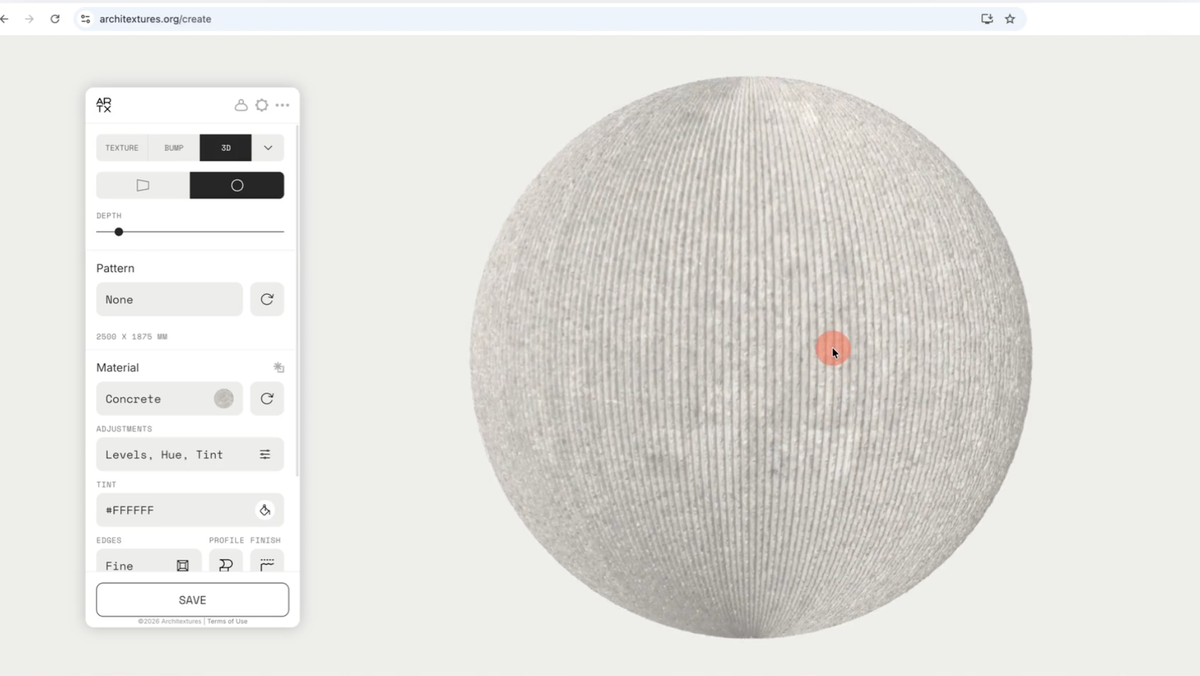
Learn how to use the ARCHITEXTURES editor to create, customise and export high-quality seamless textures for your projects. This guide covers the fundamentals of the editor’s workflow, from selecting a base pattern to…
0:00 /0:17 1× A Rhino plugin that enables users to create and import materials directly from the Architextures web app into Rhinoceros 3D. This plugin eliminates the need to manually download, import, and…
0:00 /0:25 1× Architextures for Vectorworks lets you create materials with the Architextures web app directly in Vectorworks. Materials can be imported instantly, allowing you to test materiality options for your design and…
0:00 /0:24 1× Installation To install via SketchUp navigate to Window > Extension Warehouse in the menu bar. Once the Extension Warehouse has launched, enter 'Architextures for SketchUp' in the search…
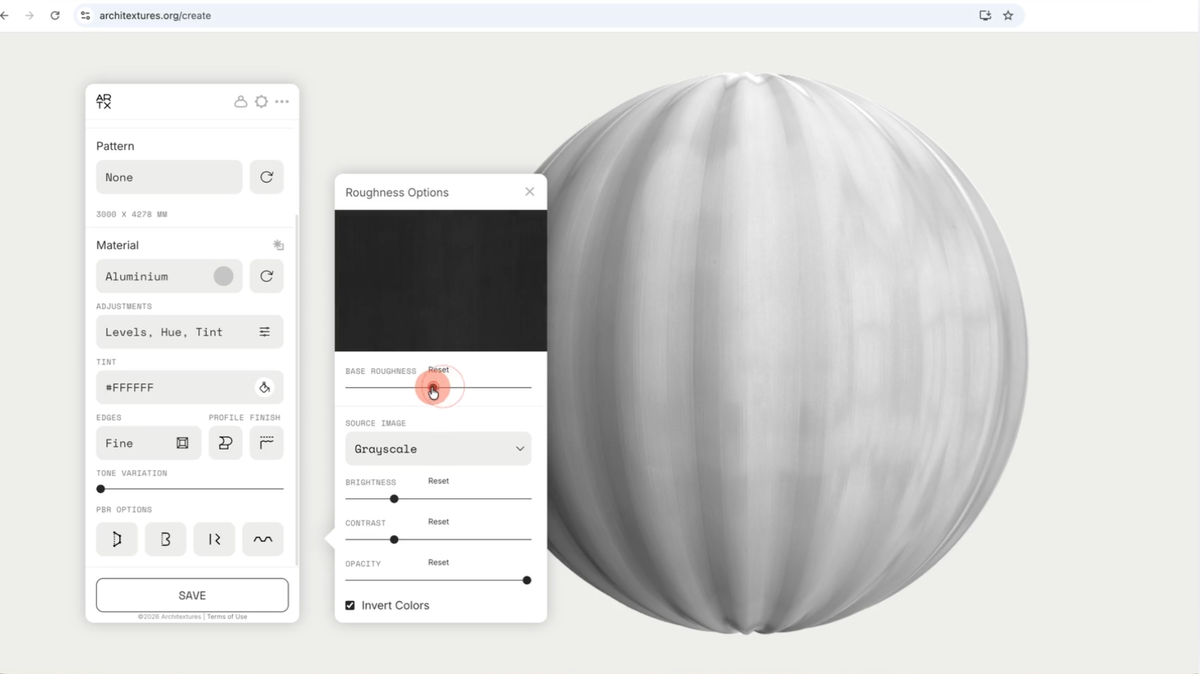
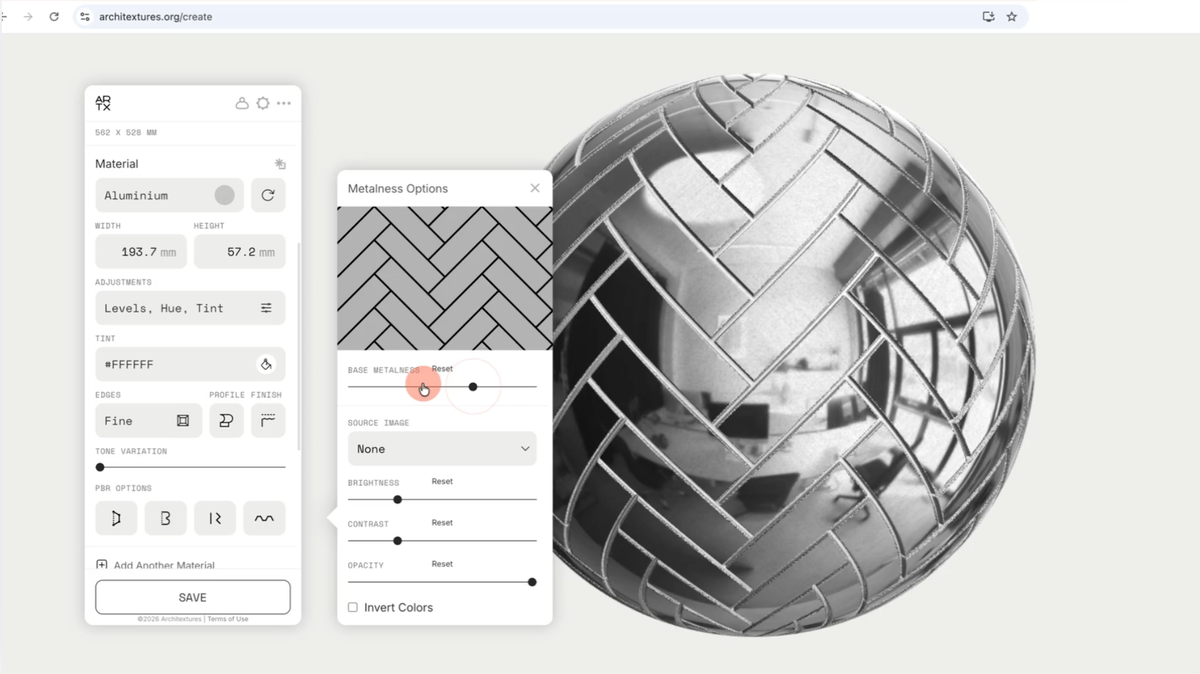
Apply surface finishes to simulate specific tactile qualities and manufacturing treatments. Like profiles, finishes improve both 2D visual maps and 3D PBR data by adding granular surface to the material surface. In other words, surface…
Improve the photorealism of your materials by applying surface profiles. Profiles simulate physical depth and geometry, adding detail to both 2D visual maps and 3D PBR (Physically Based Rendering) outputs. Apply a profile To add…
Assigning and managing team licenses By purchasing a team license you have the ability to assign Pro accounts to individuals within your team or organisation. To add and remove team members visit Account > Manage…
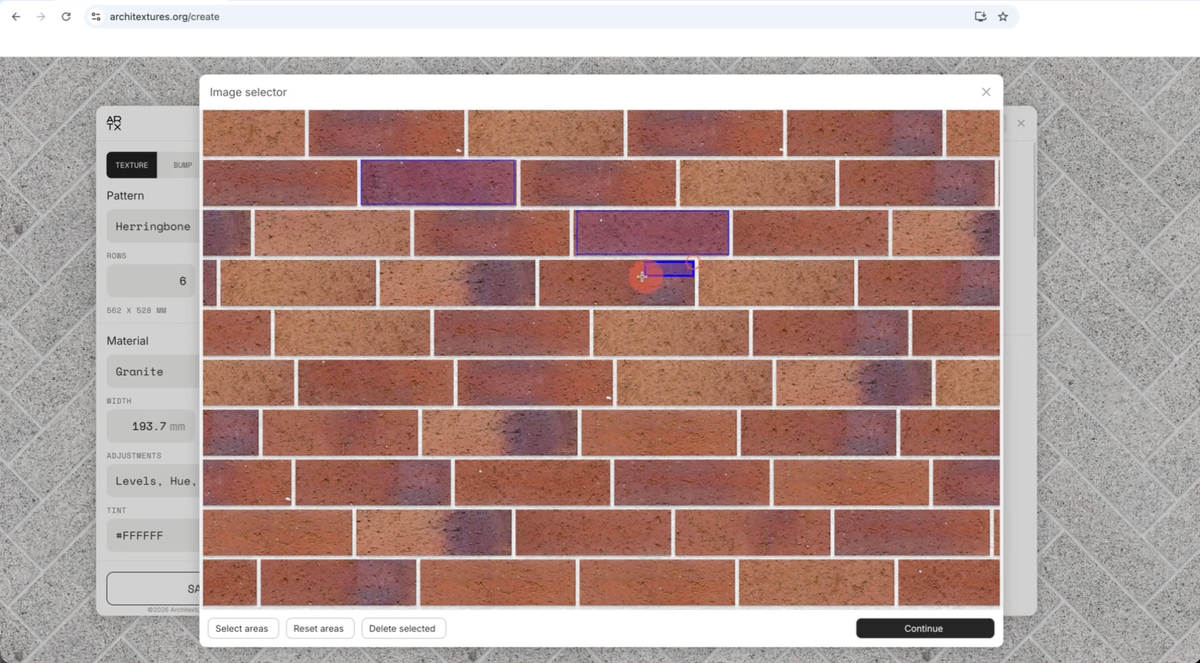
Learn how to import and configure your own source images to create bespoke textures. This feature allows you to extend the ARCHITEXTURES library with proprietary materials. 💡Custom uploads require an ARCHITEXTURES Pro account If you…
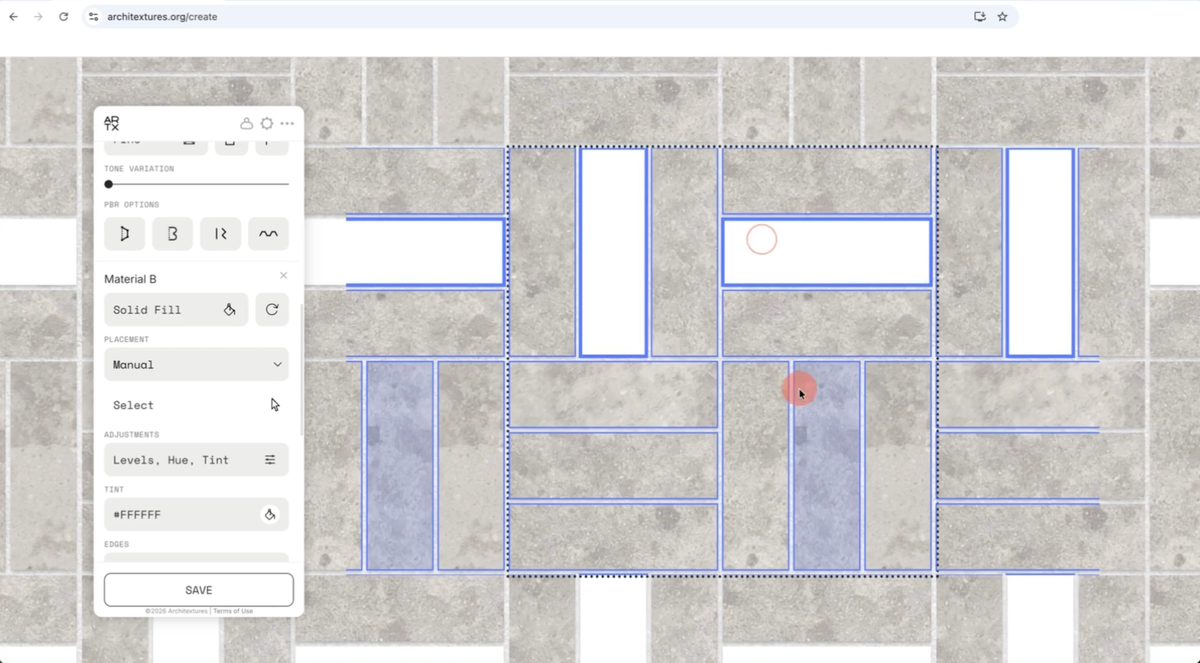
Control the distribution of multiple materials within a single texture. This allows for complex blending from natural stone variation to specific geometric motifs. 💡Adding additional materials requires an ARCHITEXTURES Pro account. Placement priority When using…