Featured
How Sarah uses ARCHITEXTURES to help her clients build with confidence
Meet Sarah Amos, an Interior Designer and 3D Modelling Specialist based in Melbourne, Australia. Sarah has created over 700 custom textures using ARCHITEXTURES, building a rich, versatile library for her projects.
In this quick chat, Sarah shares how she uses the platform in her workflow, why custom textures matter in high-quality visualisation, and how ARCHITEXTURES helps her bring realism and creative control to every design.
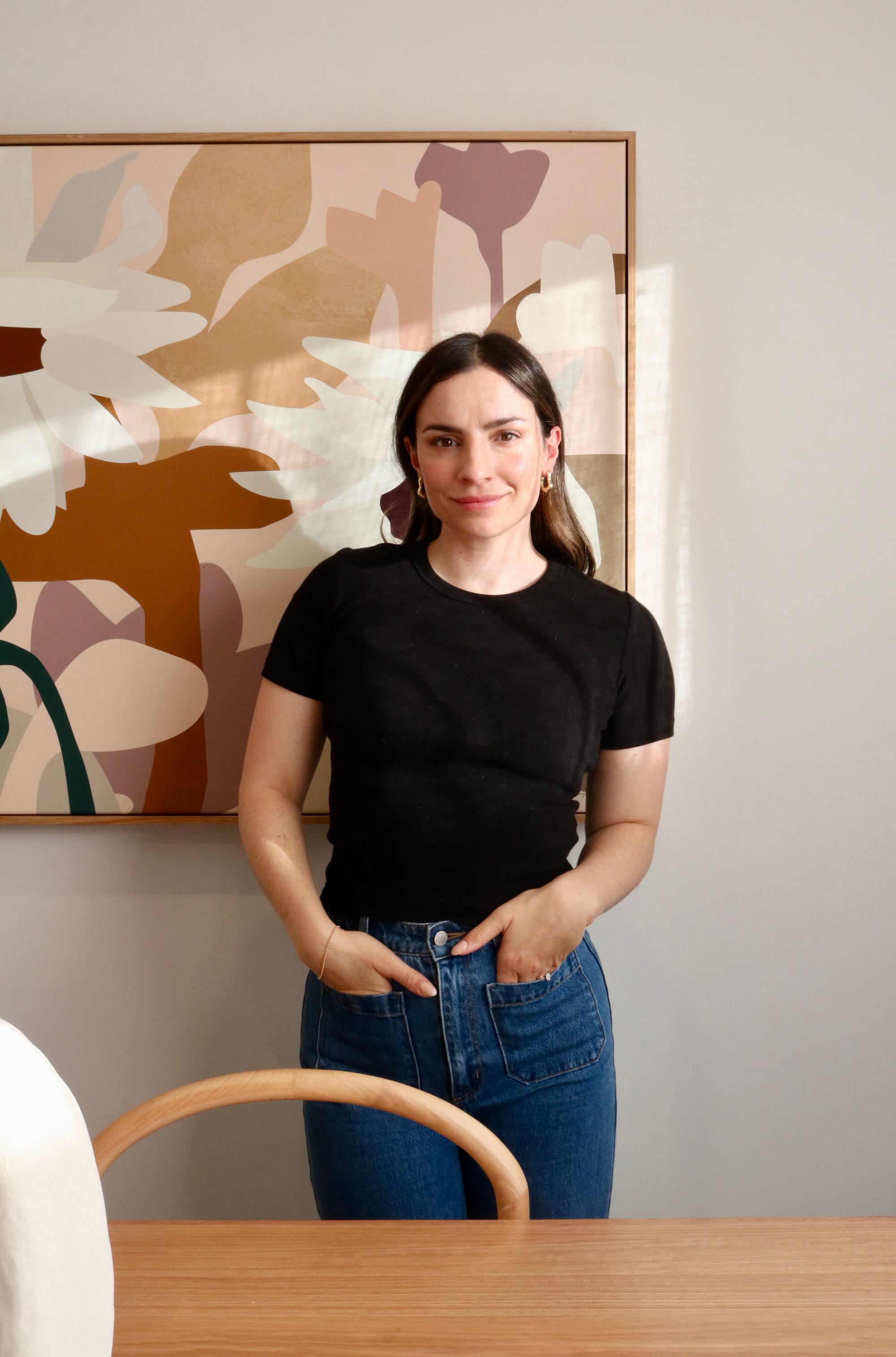
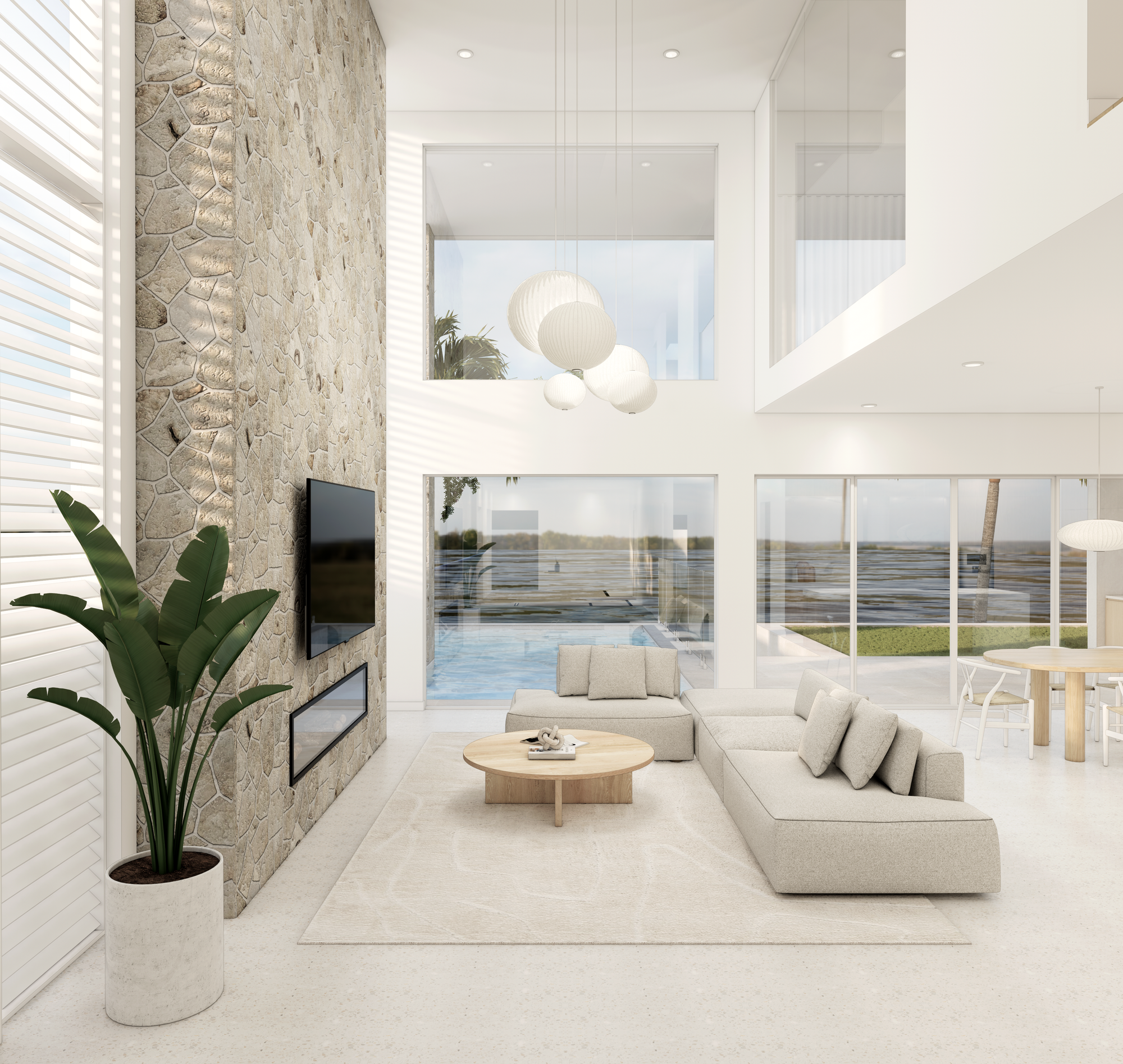
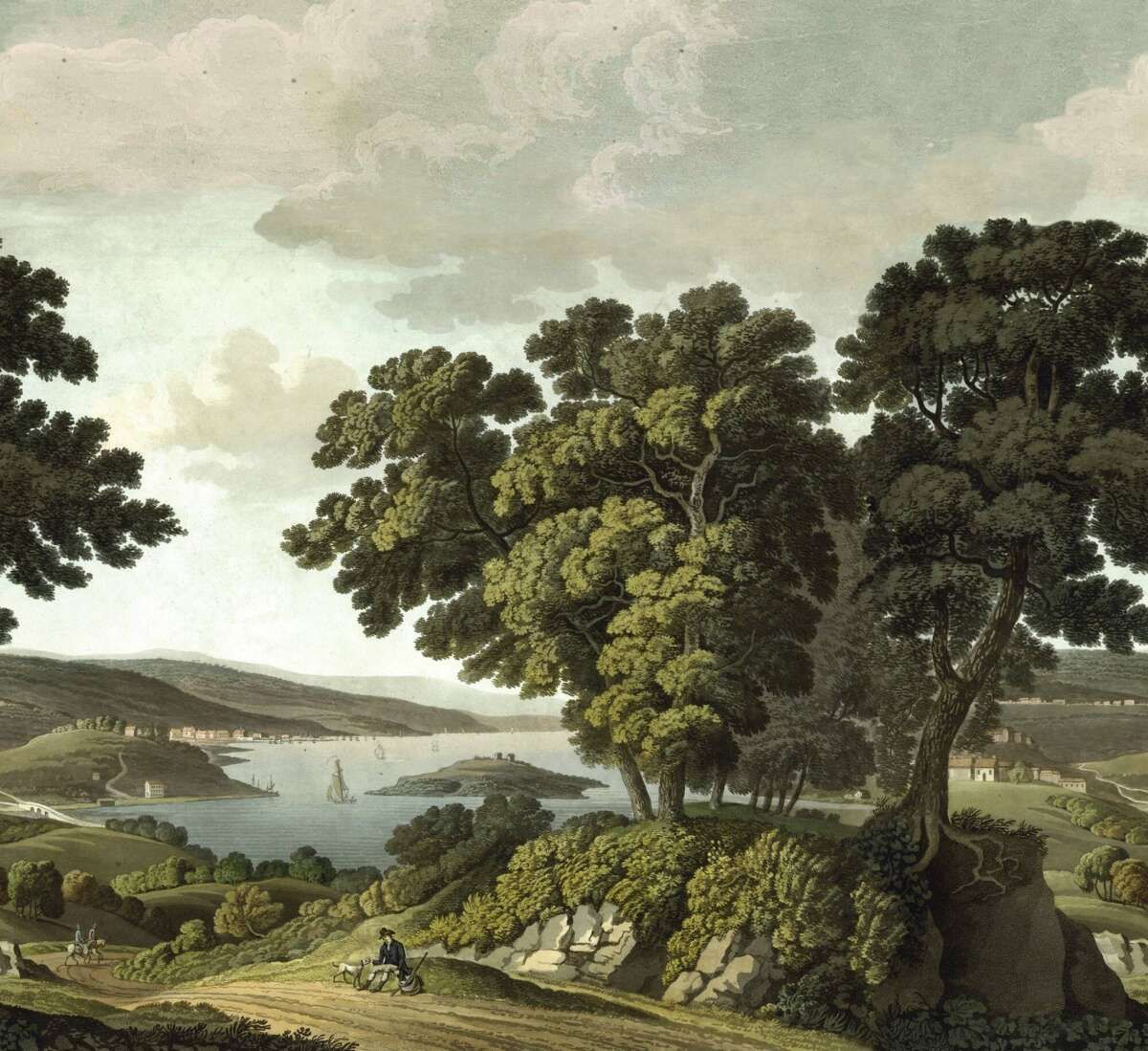
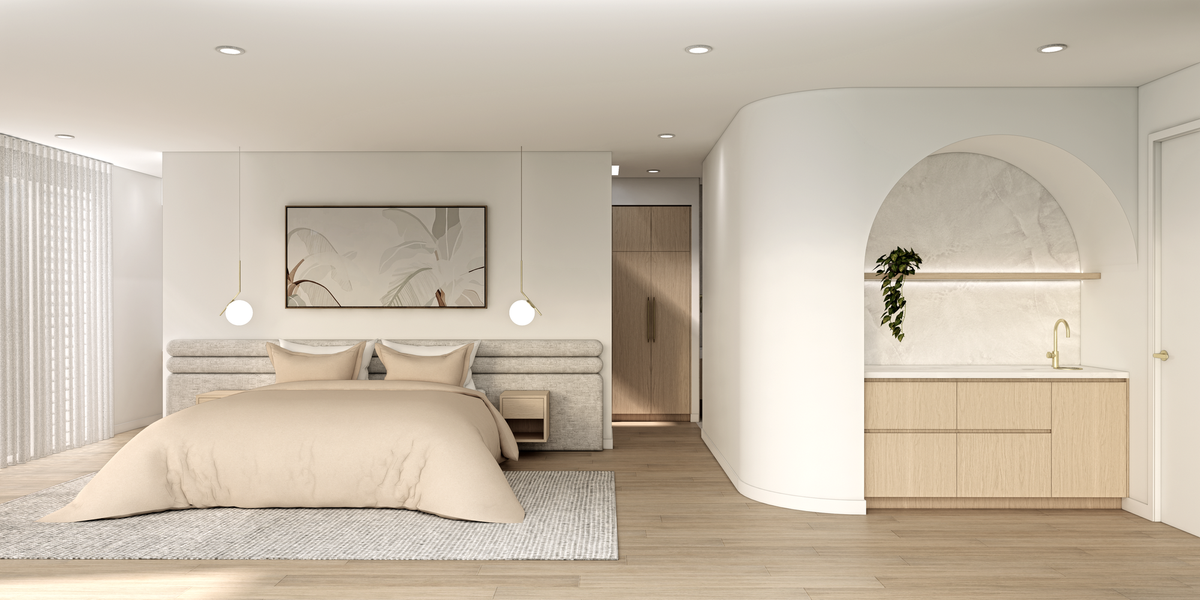
Left: Sarah; Right: Living room render Casa Sul Lago | Sarah Amos Interiors
So Sarah, do you want to tell us a bit more about what you do? What’s your job, and how do you do it at the moment?
Sarah: Sure! I currently work for myself under my own name, which keeps things simple. I help clients bridge the gap between their plans and their finished build; whether it’s a new house, a renovation, or even a houseboat. Essentially, I create a 3D visual pathway to help them see their project before it’s built. This removes stress, brings clarity to the process, and ultimately helps them build with confidence.
I always start in SketchUp and work entirely in 3D. Having that 360-degree view of a space is so valuable. That’s why ARCHITEXTURES is such an important tool for me. For example, if we select a 100x100 tile with a 4mm pink grout line, I need to represent that accurately in the model. ARCHITEXTURES lets me customise materials so that what goes into my renders closely matches the real-life product.
And your customers, are they mainly businesses or individuals?
Sarah: Mostly individuals, especially homeowners building their dream house. Some have built several houses before, while others are renovating older homes. My last project was actually a houseboat two hours from Melbourne, which was amazing. I focus on residential projects rather than commercial ones because it’s just me, and I want to keep things streamlined.
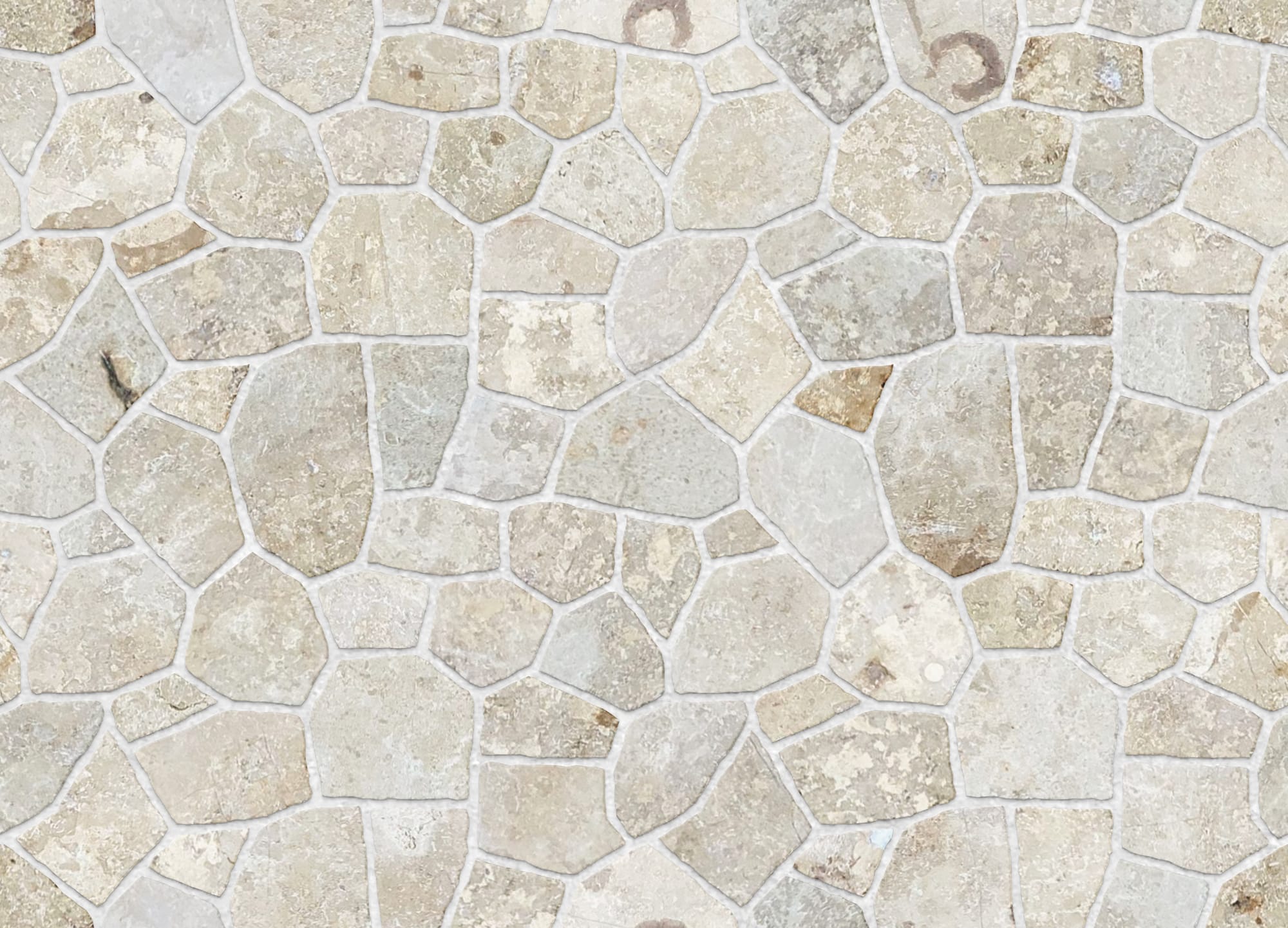
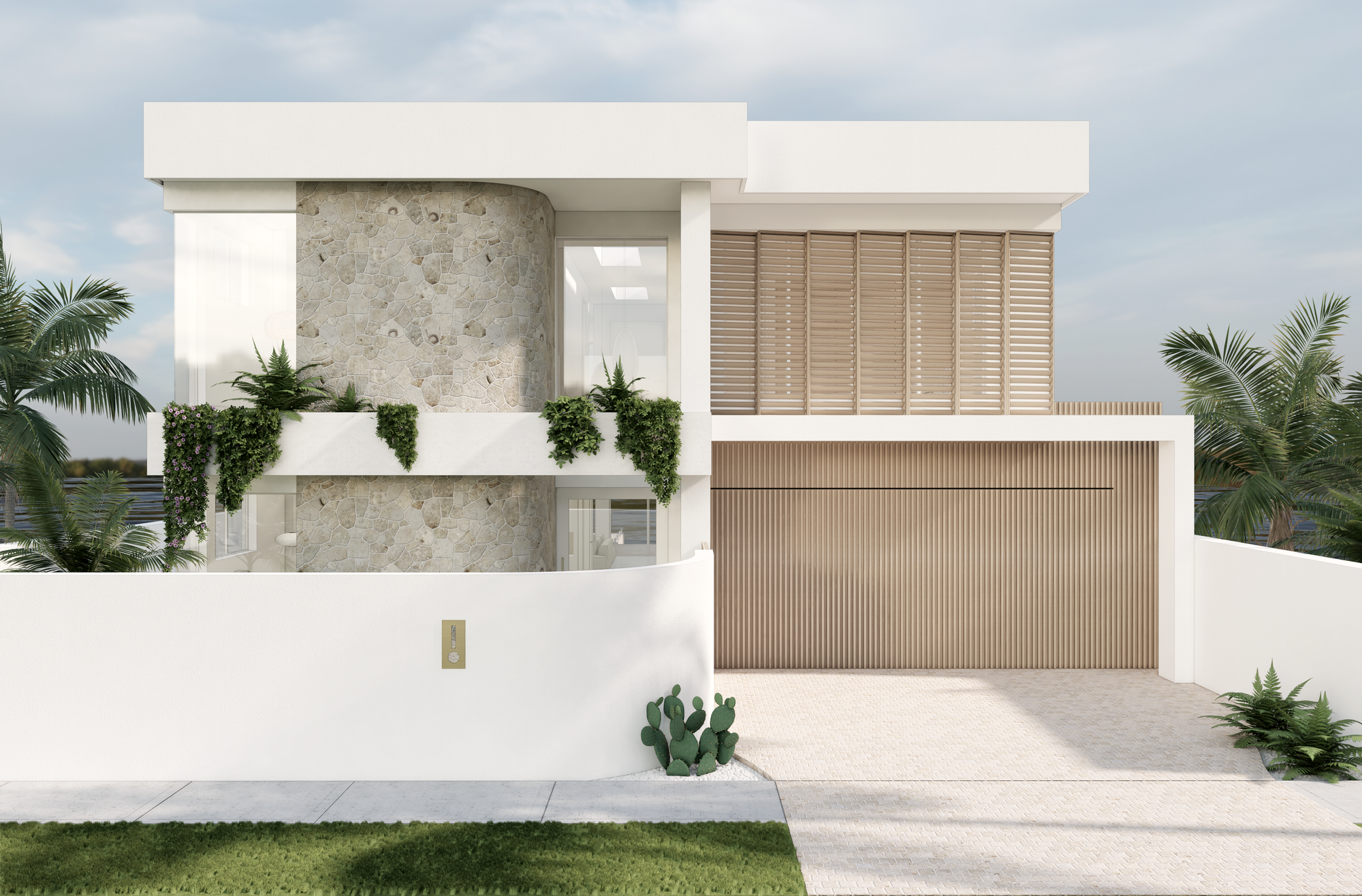
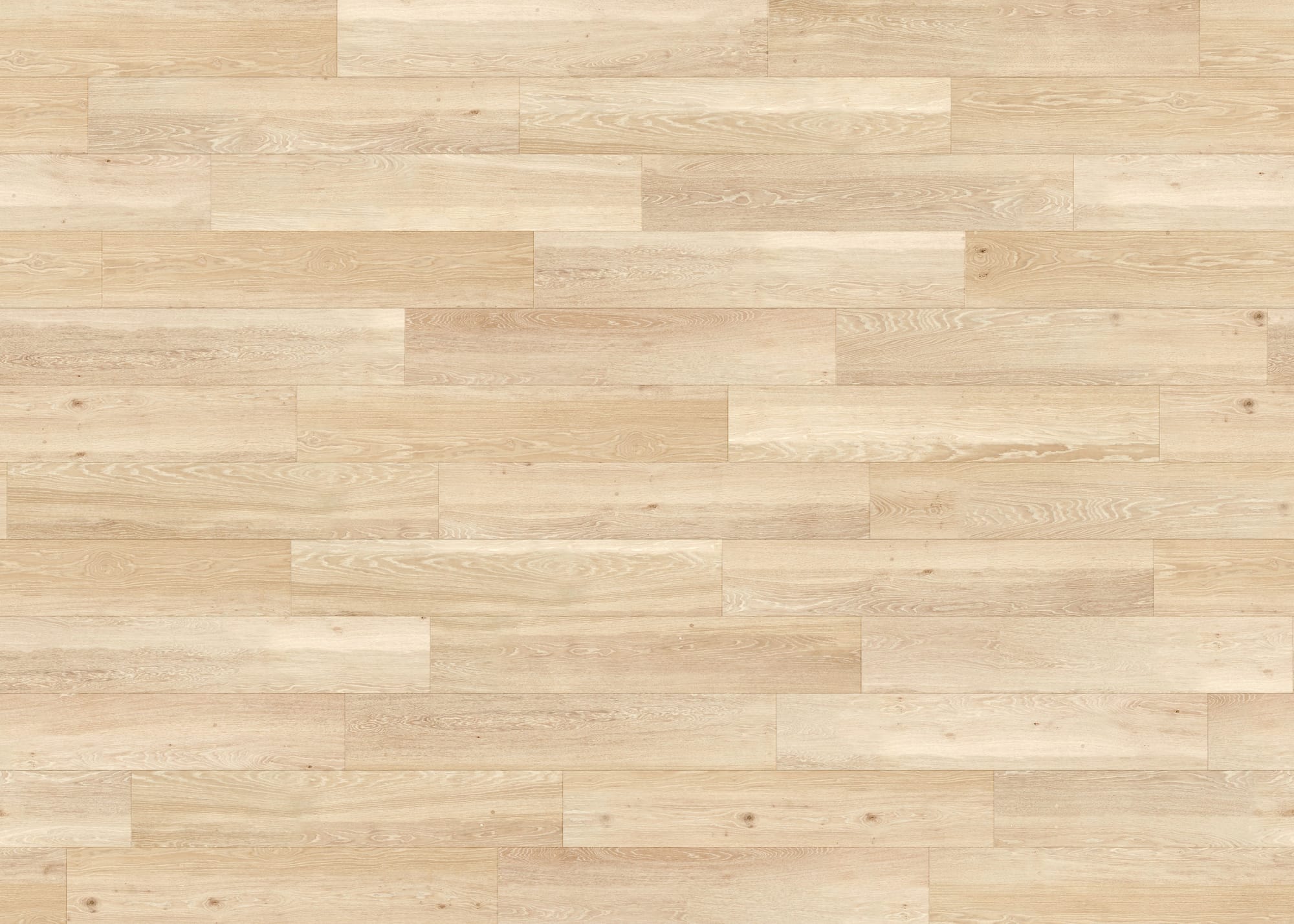
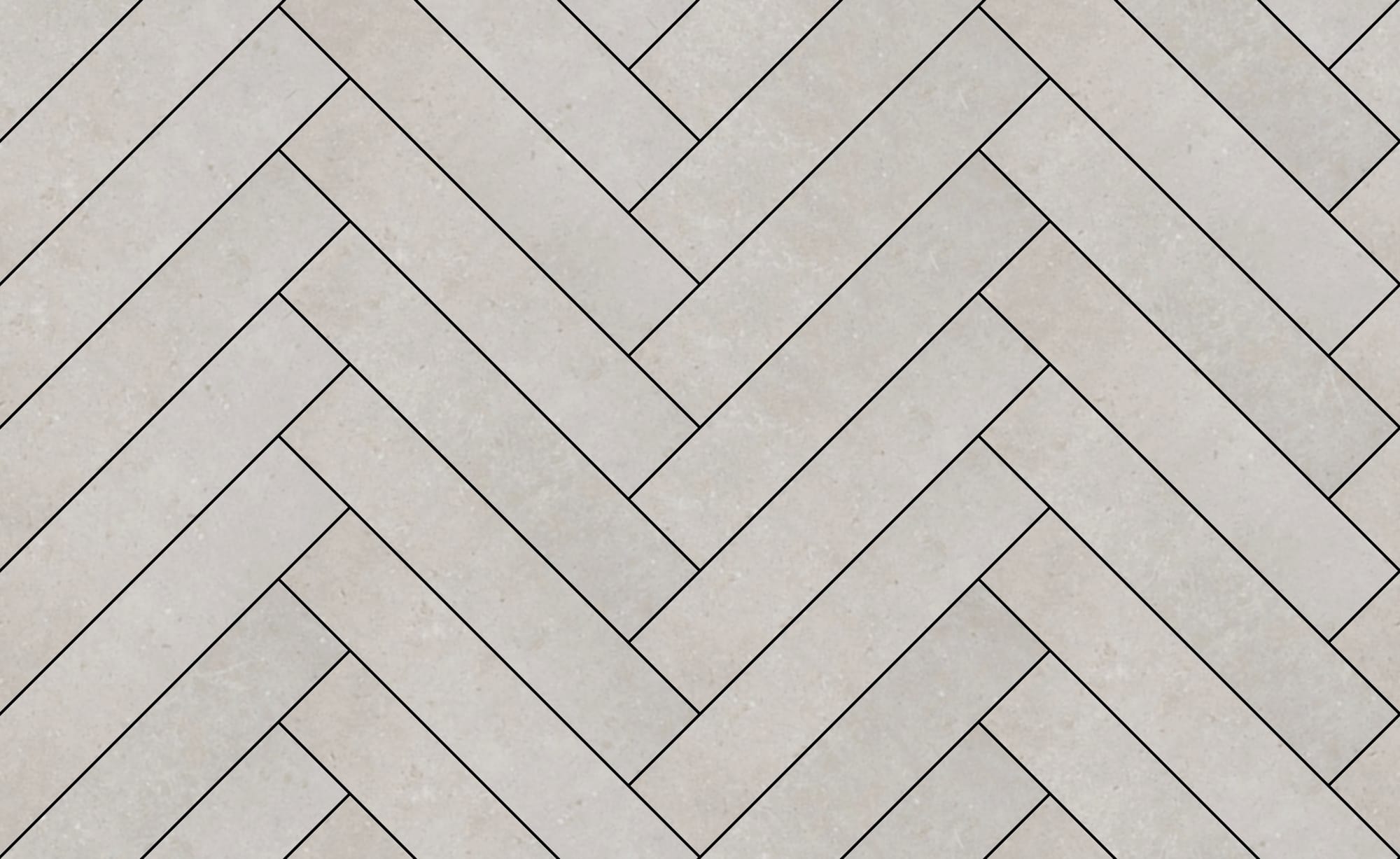
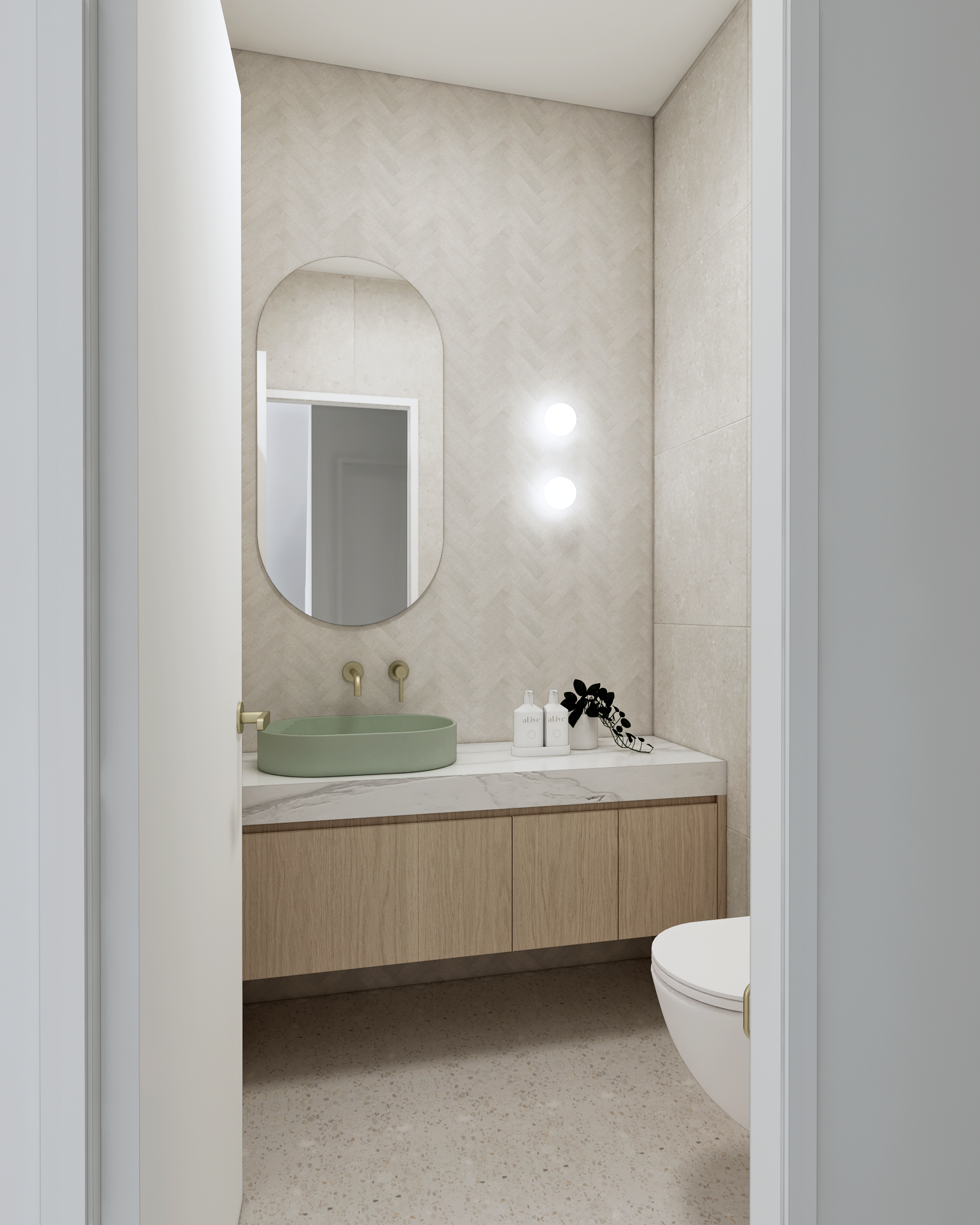
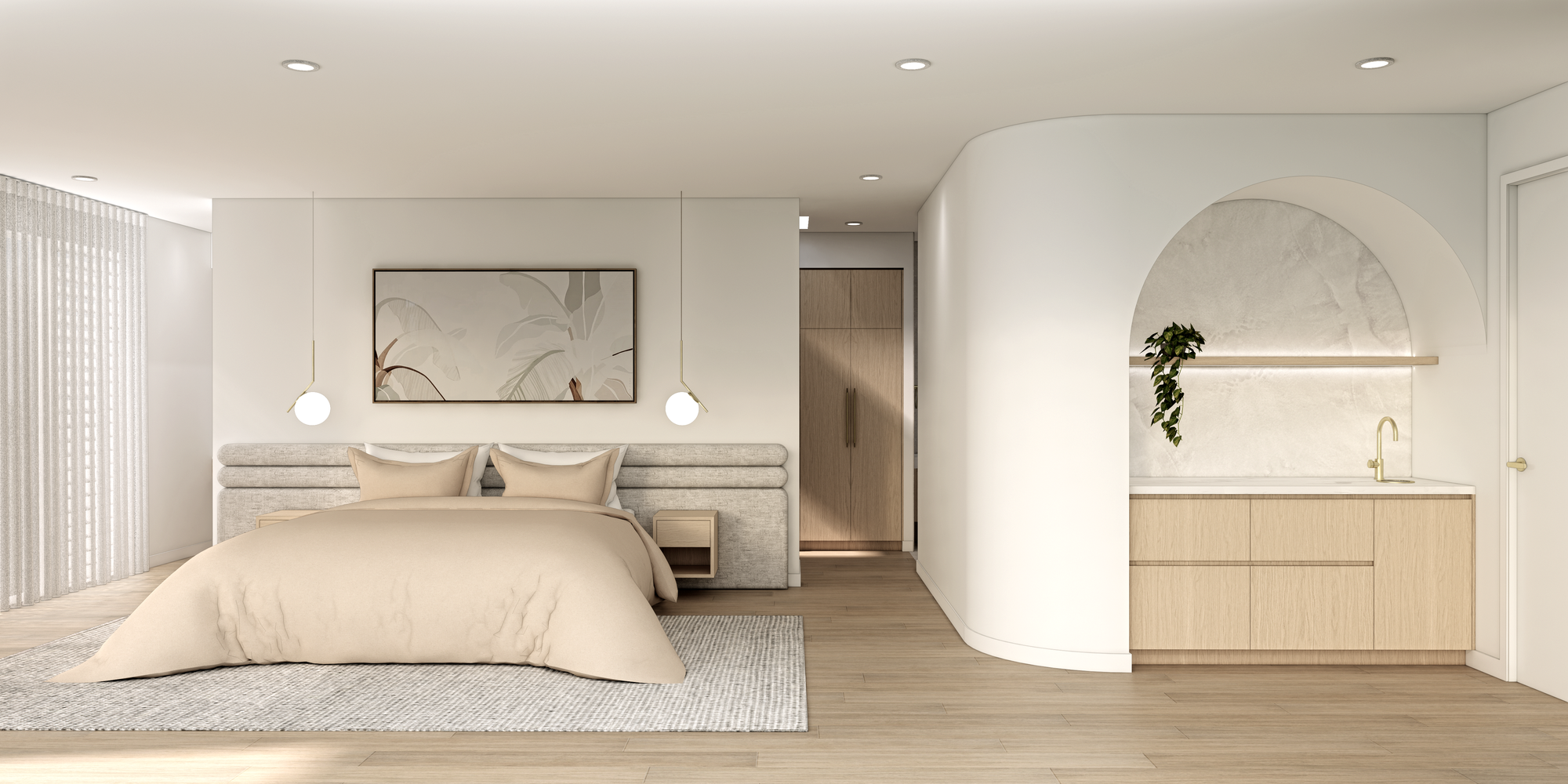
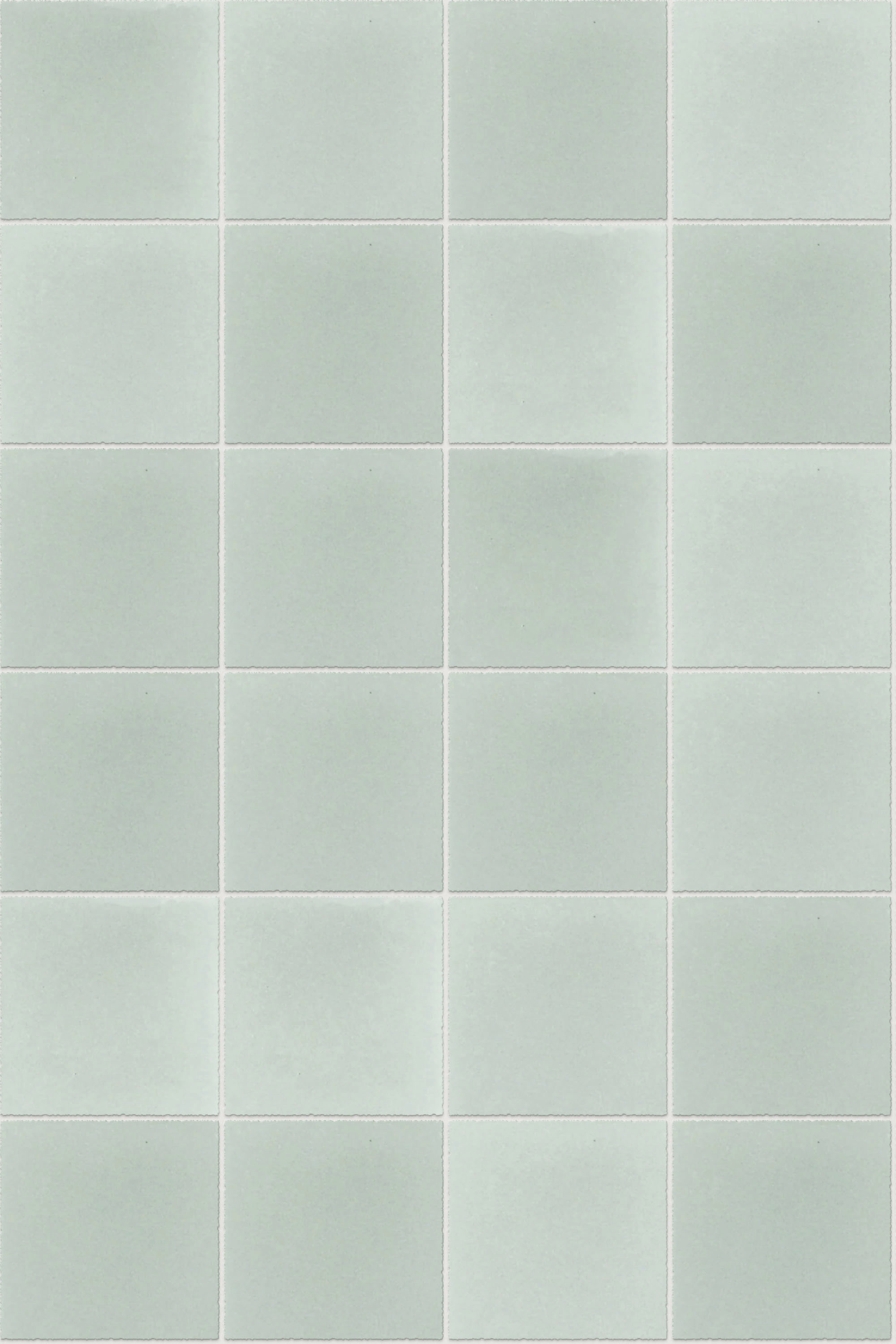
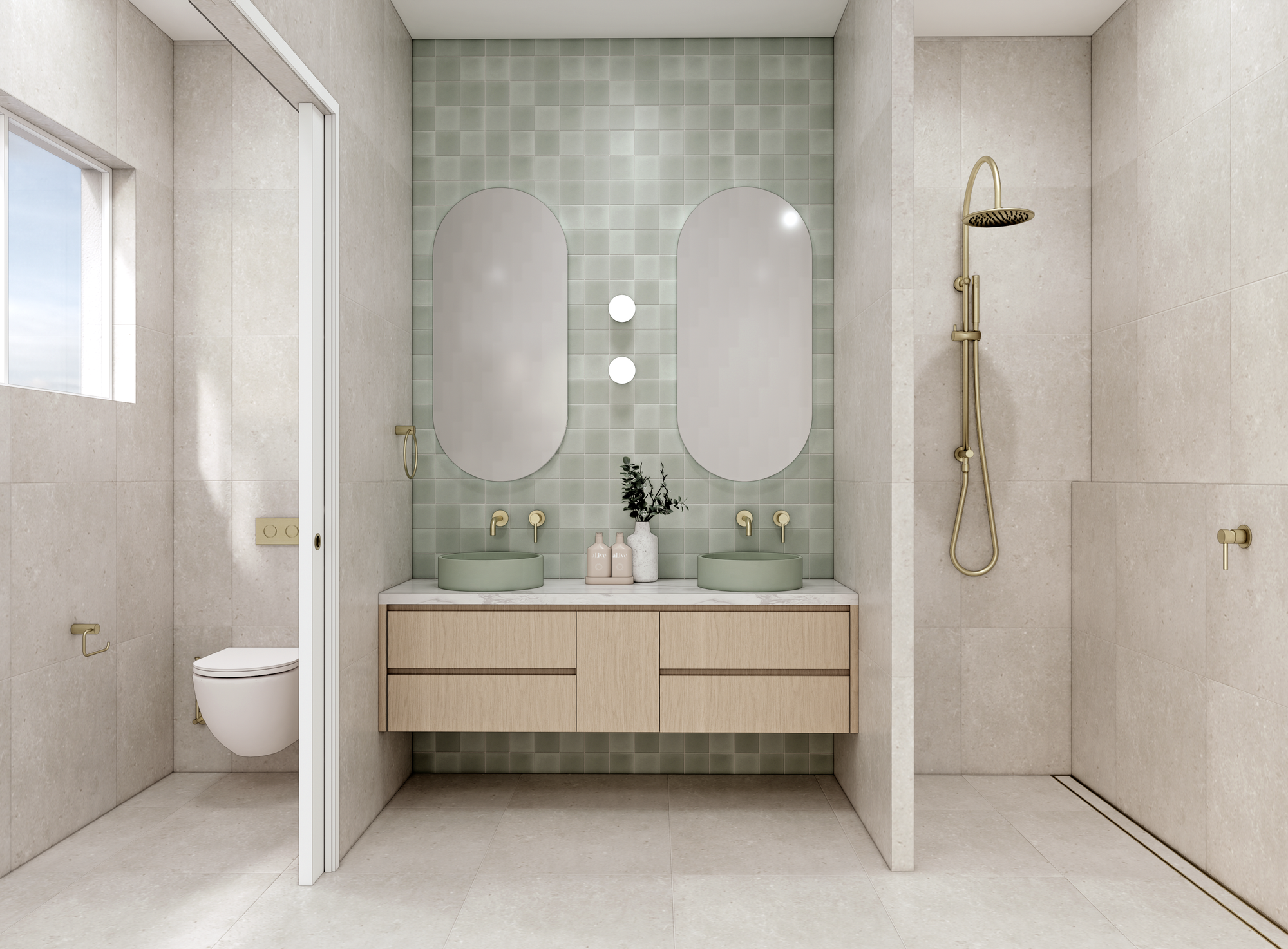
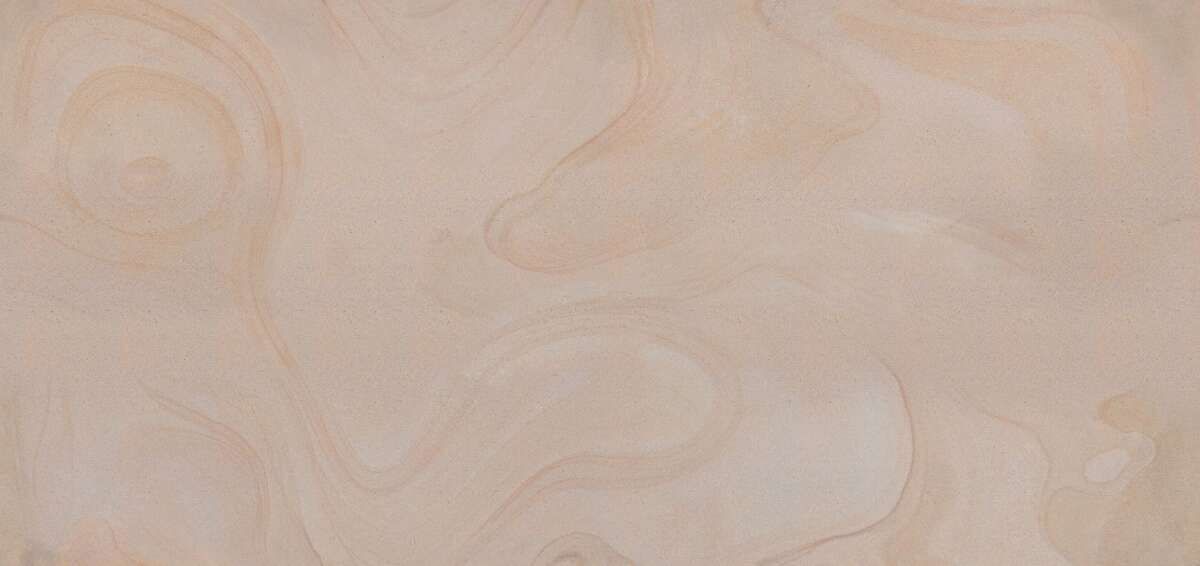
Renders and custom textures for Casa Sul Lago | Sarah Amos Interiors
You discovered ARCHITEXTURES a few years ago. Do you remember how?
Sarah: Yes, about three or four years ago. I was contracting for another interior design business and one of the designers recommended it. She’d heard about it from an architect. Before that, I was making textures in Photoshop, which was very time-consuming (and I’m not a graphic designer!). ARCHITEXTURES was a game-changer. I subscribed straight away to unlock its full potential.
Do you use existing textures from the library or always create your own?
Sarah: I usually create my own so the model reflects the actual products the client has chosen. I might use templates for general materials like timber flooring or stone walls if the client hasn’t chosen a specific finish yet. In those cases, I’ll adjust the colour tone in SketchUp to suit the project.
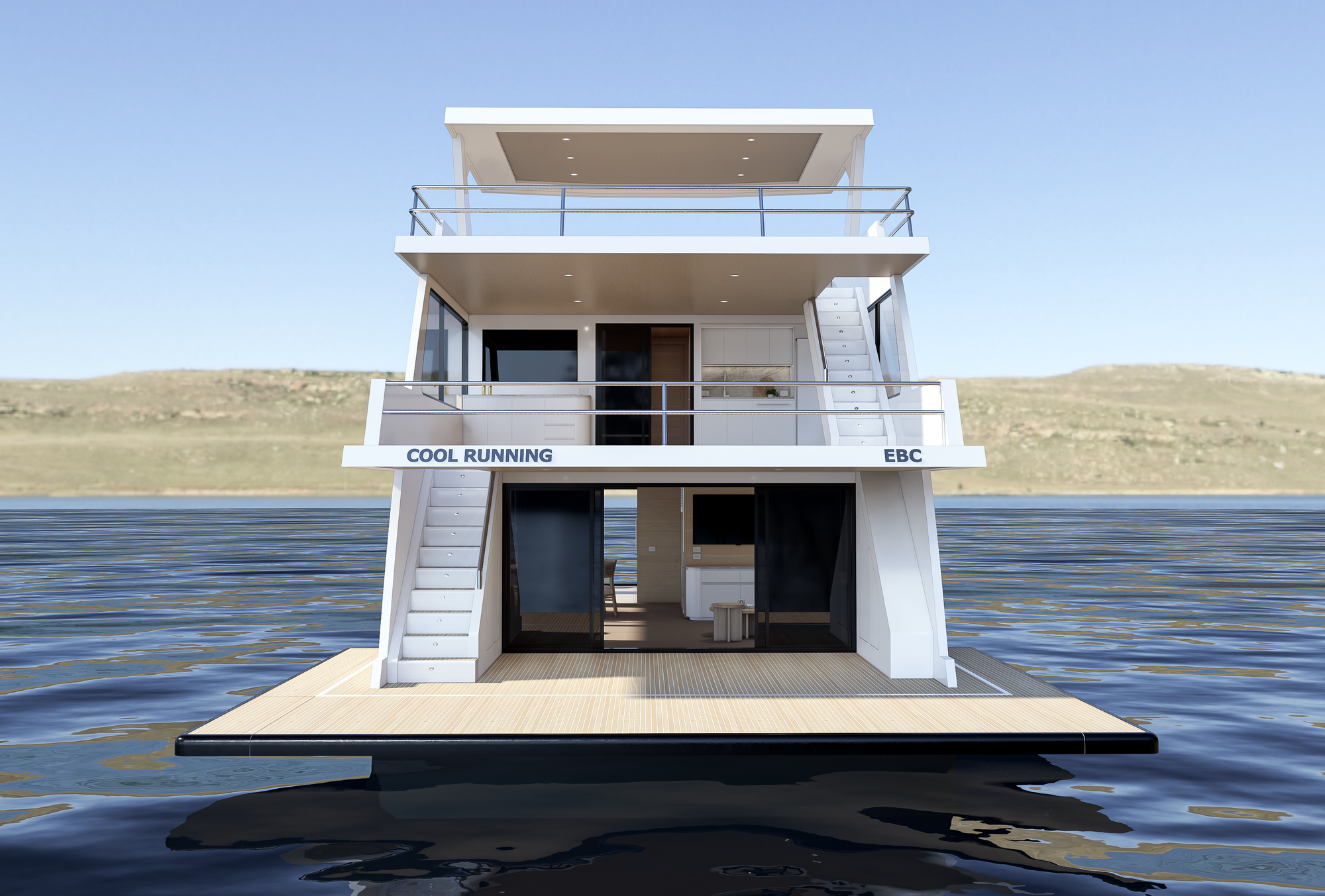
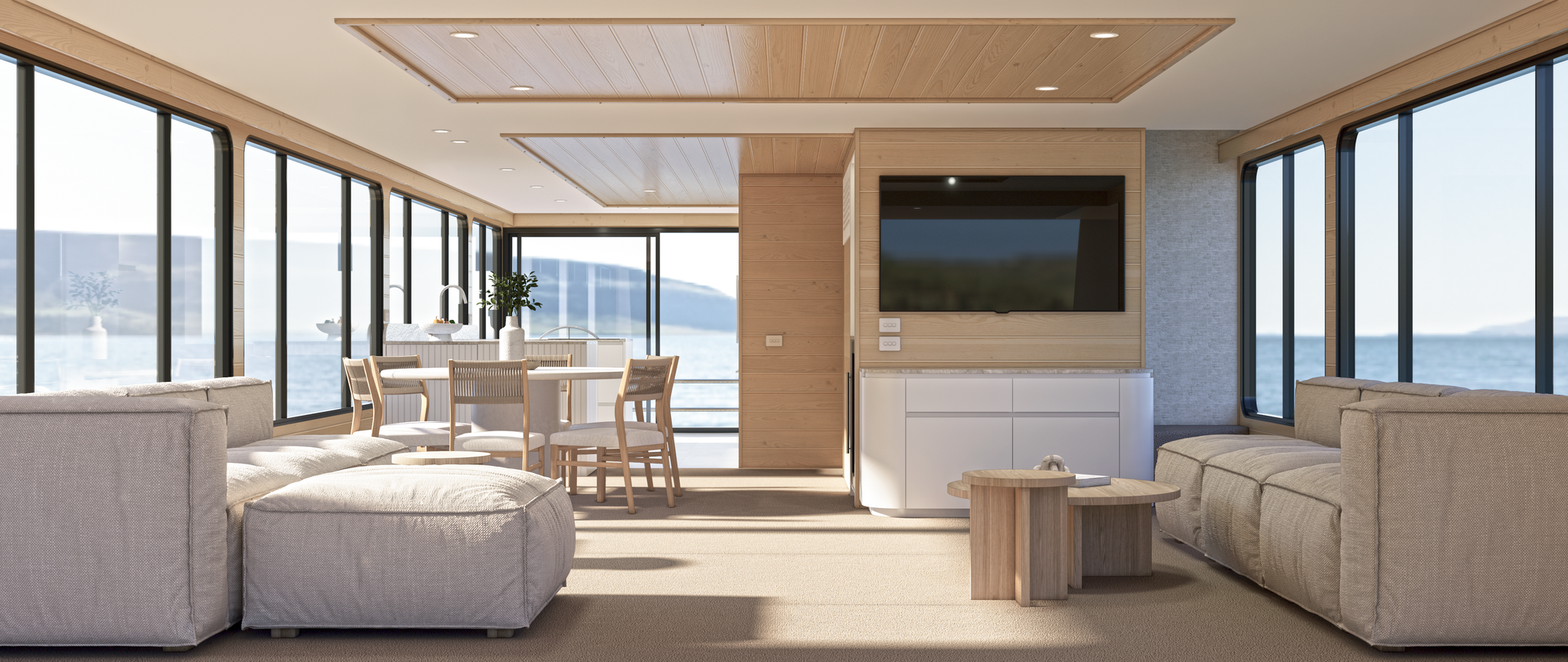
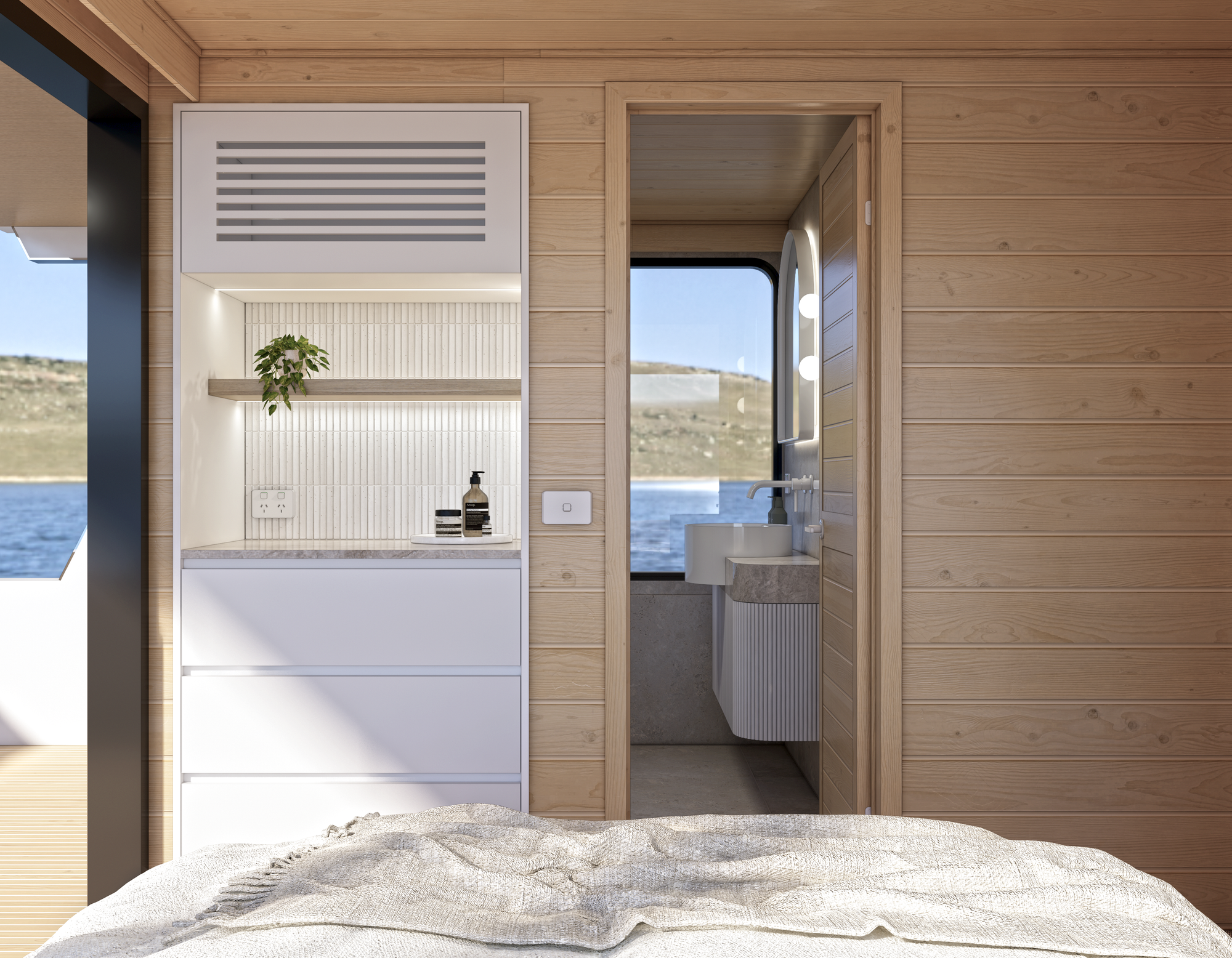
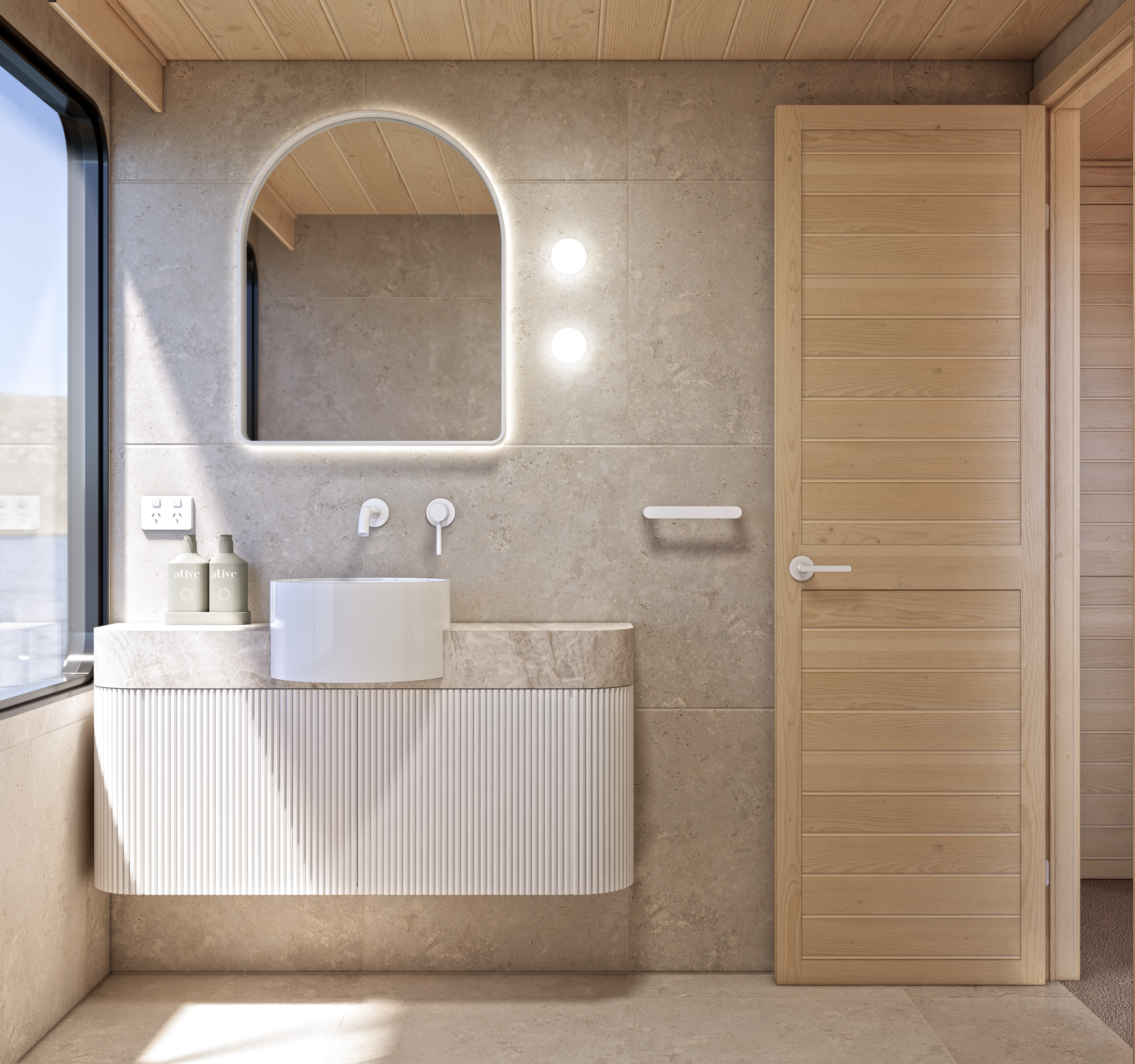
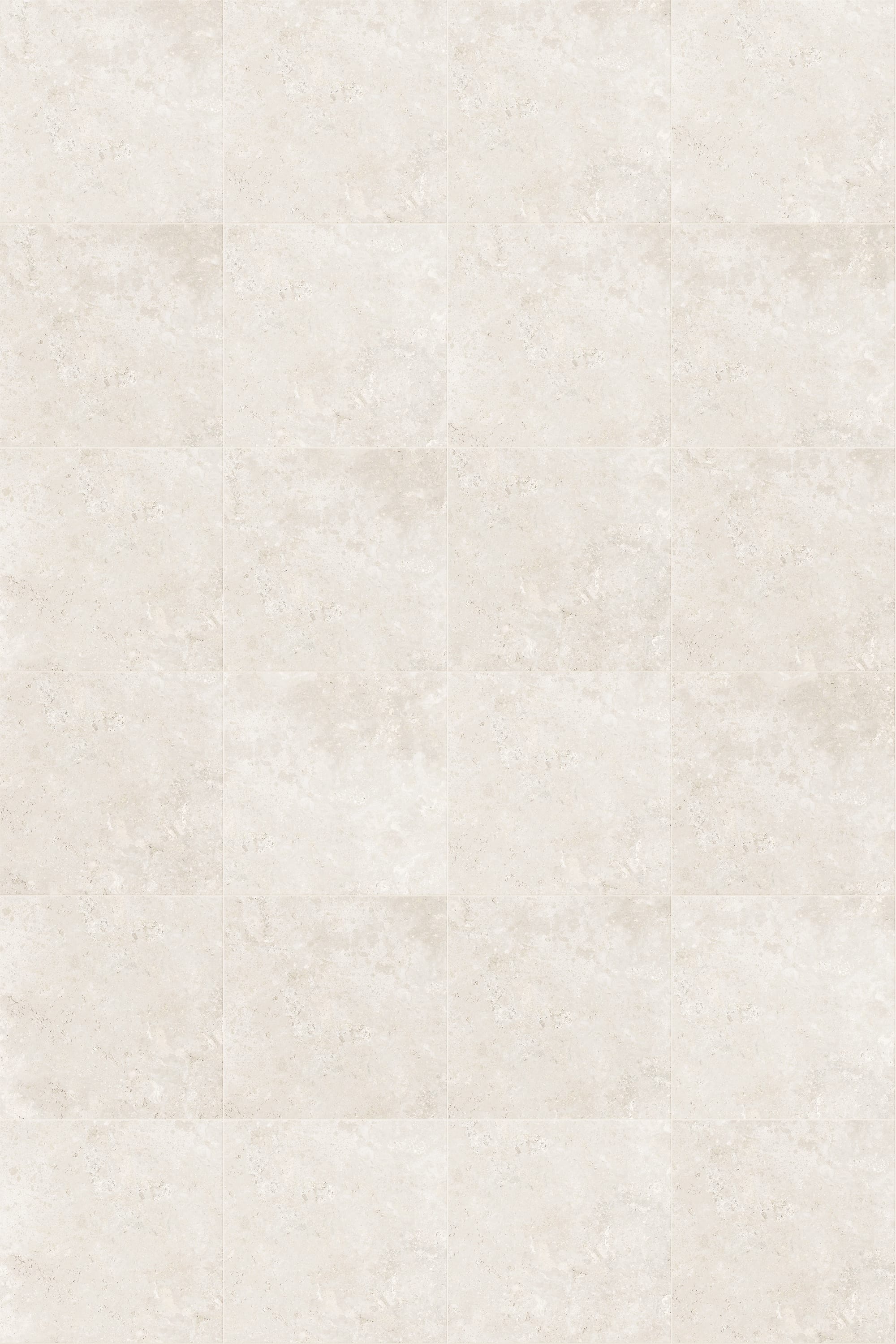
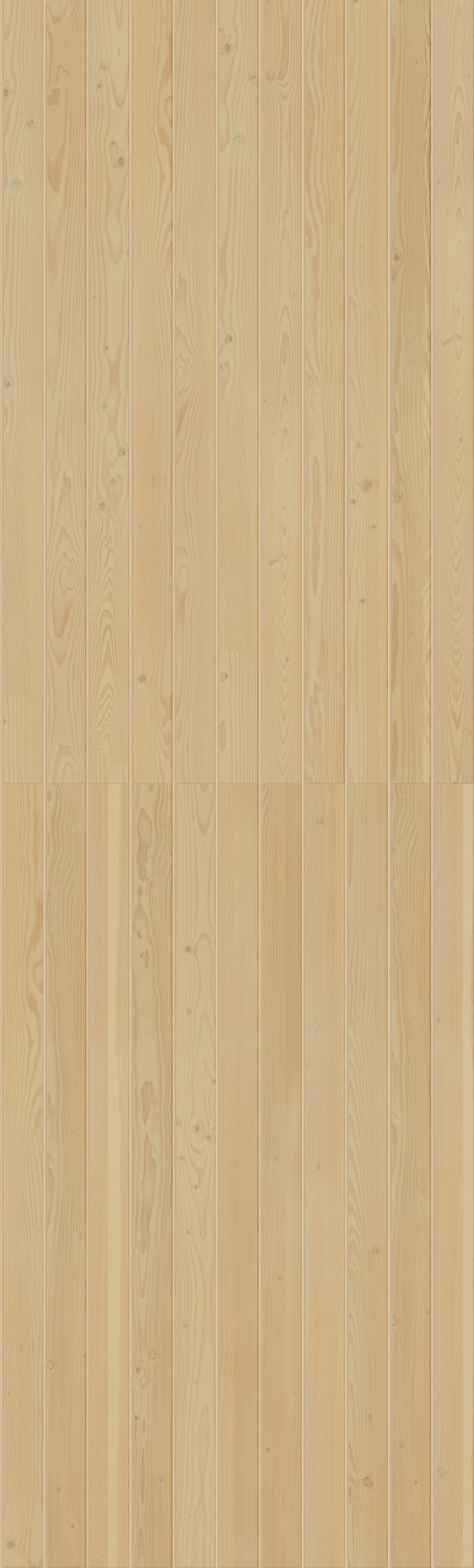
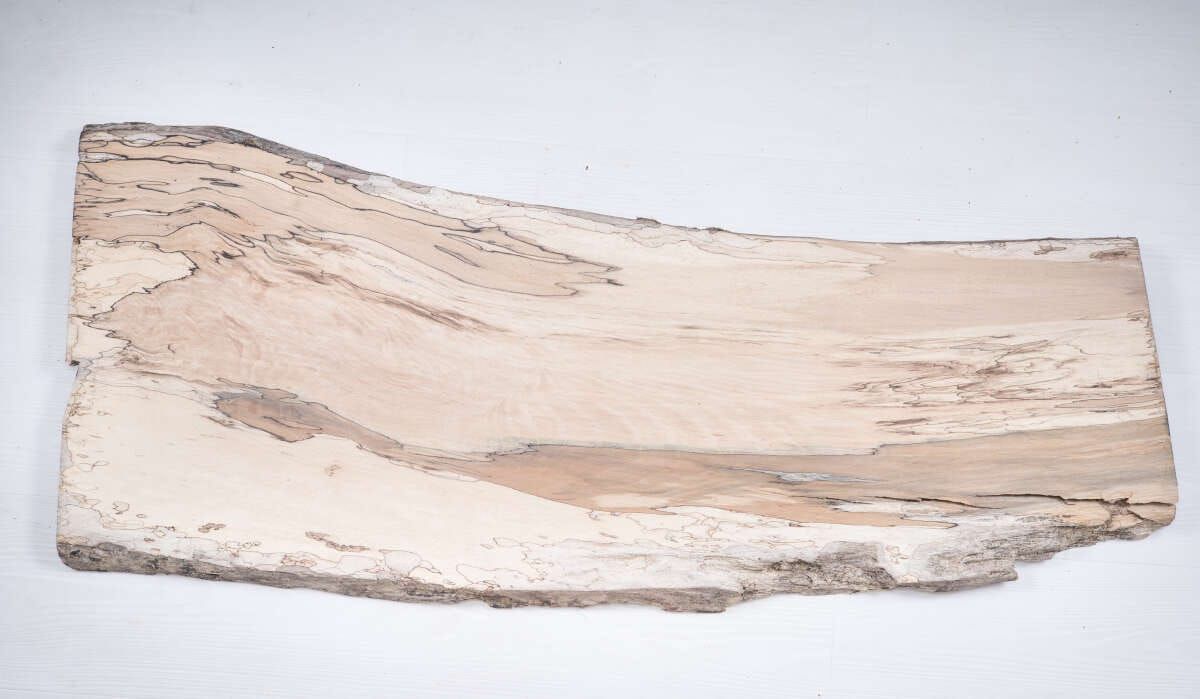
Renders and custom textures for House Boat renovation | Sarah Amos Interiors
Do you use ARCHITEXTURES through the SketchUp extension?
Sarah: I actually just use it online. I download the textures and save them in a folder on my desktop so I can reuse them later. For example, I might create a travertine tile texture in different sizes and patterns (stacked, brick, one-third offset) so I can quickly use them across multiple projects.
What would you say is the main problem ARCHITEXTURES has solved for you?
Sarah: The biggest one is creating seamless textures that don’t look repetitive or “tiled” in renders; that really elevates the realism of my work. The second benefit is time-saving. Once you get familiar with ARCHITEXTURES, it’s so quick to jump in, make a material, and move on.
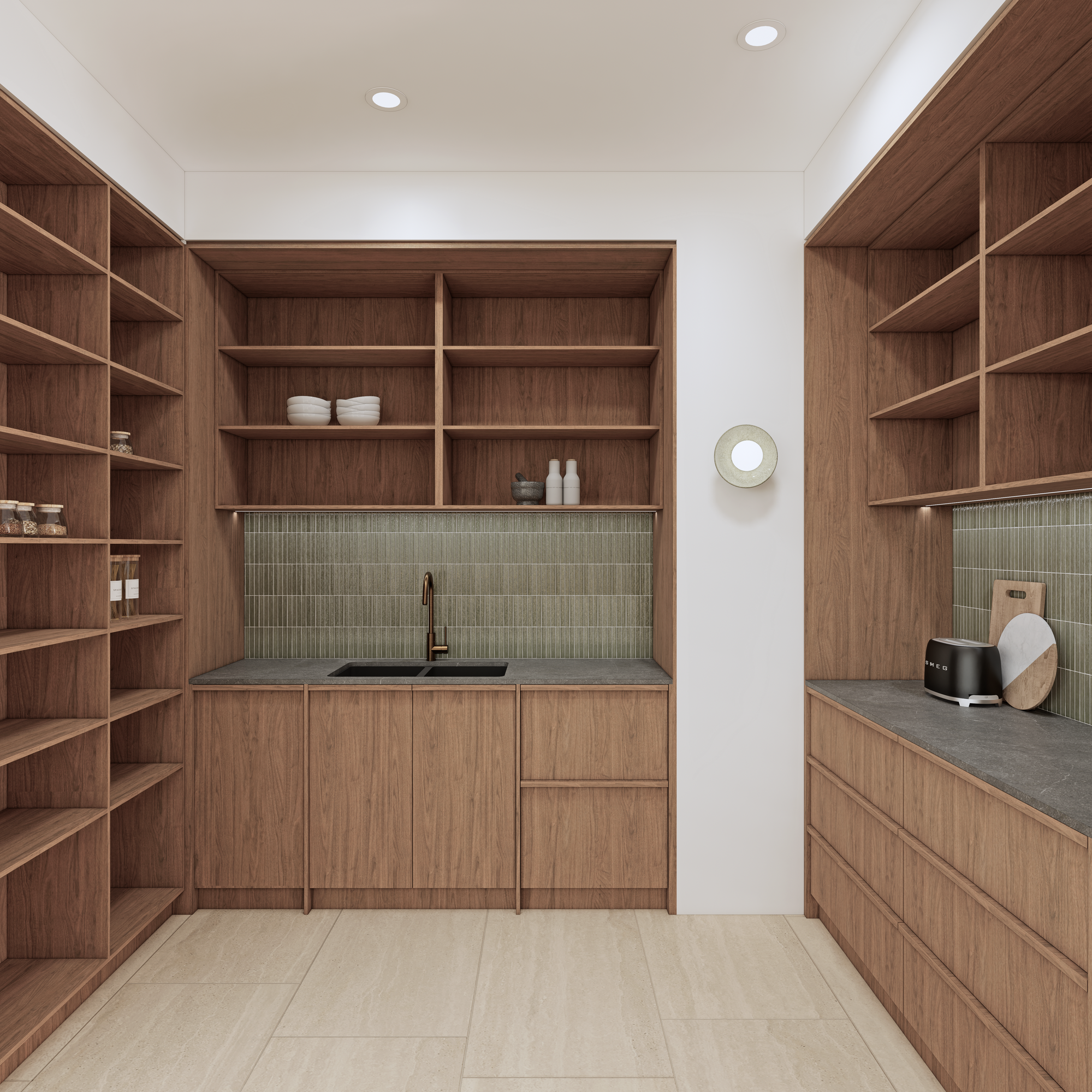
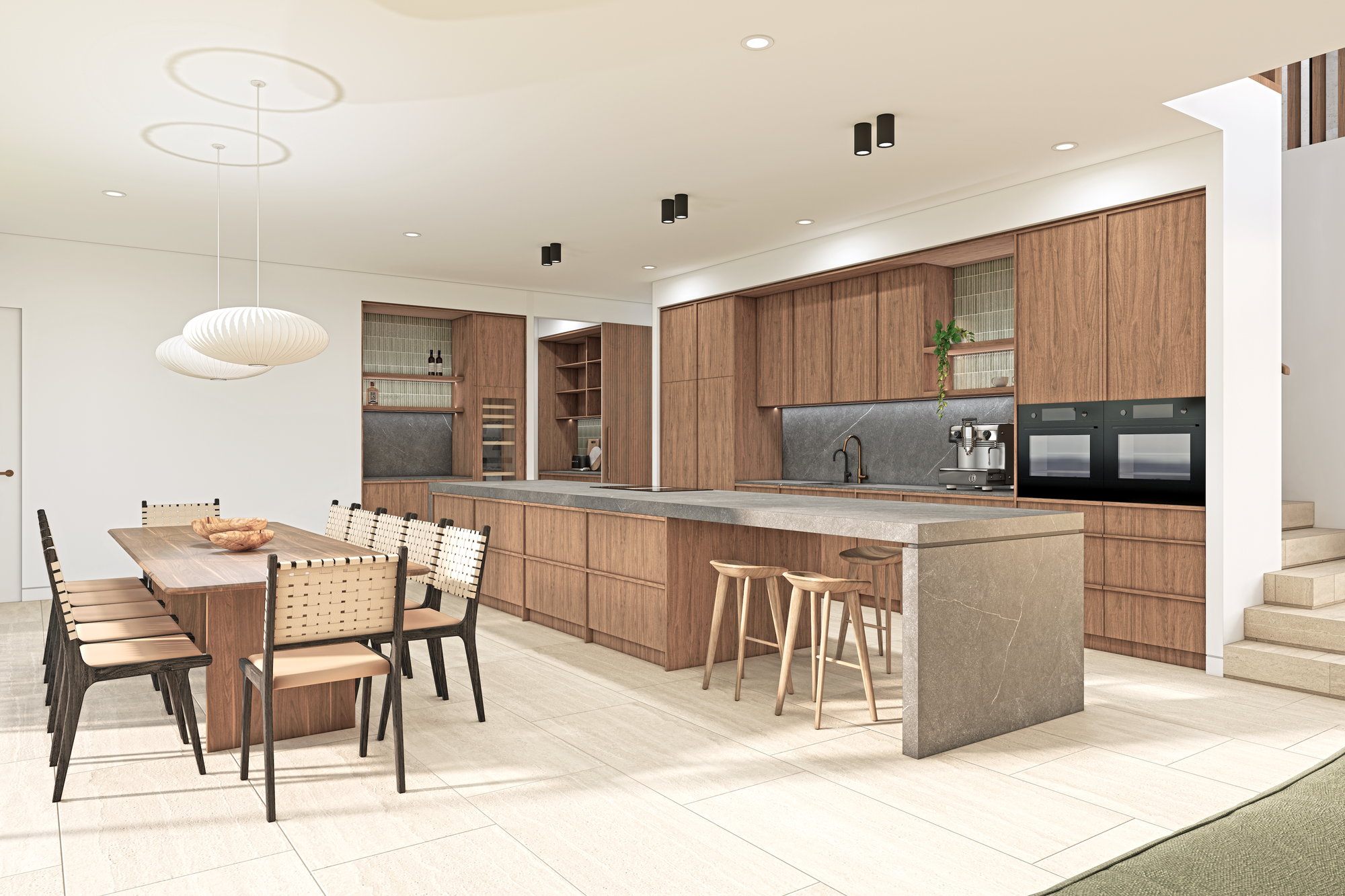
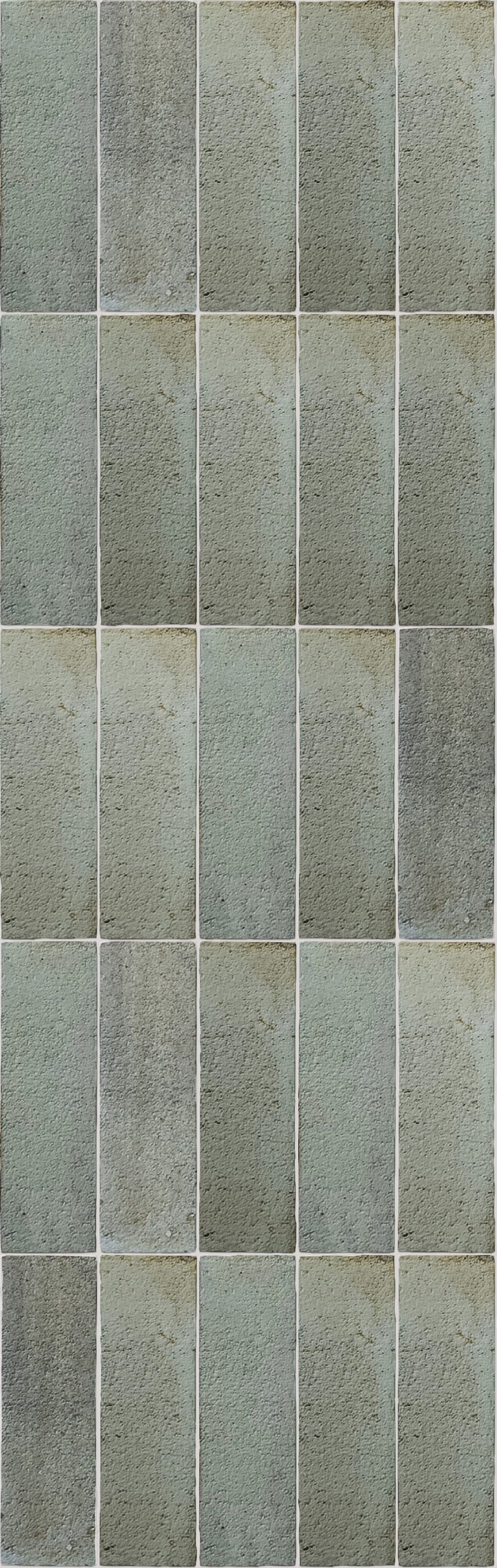
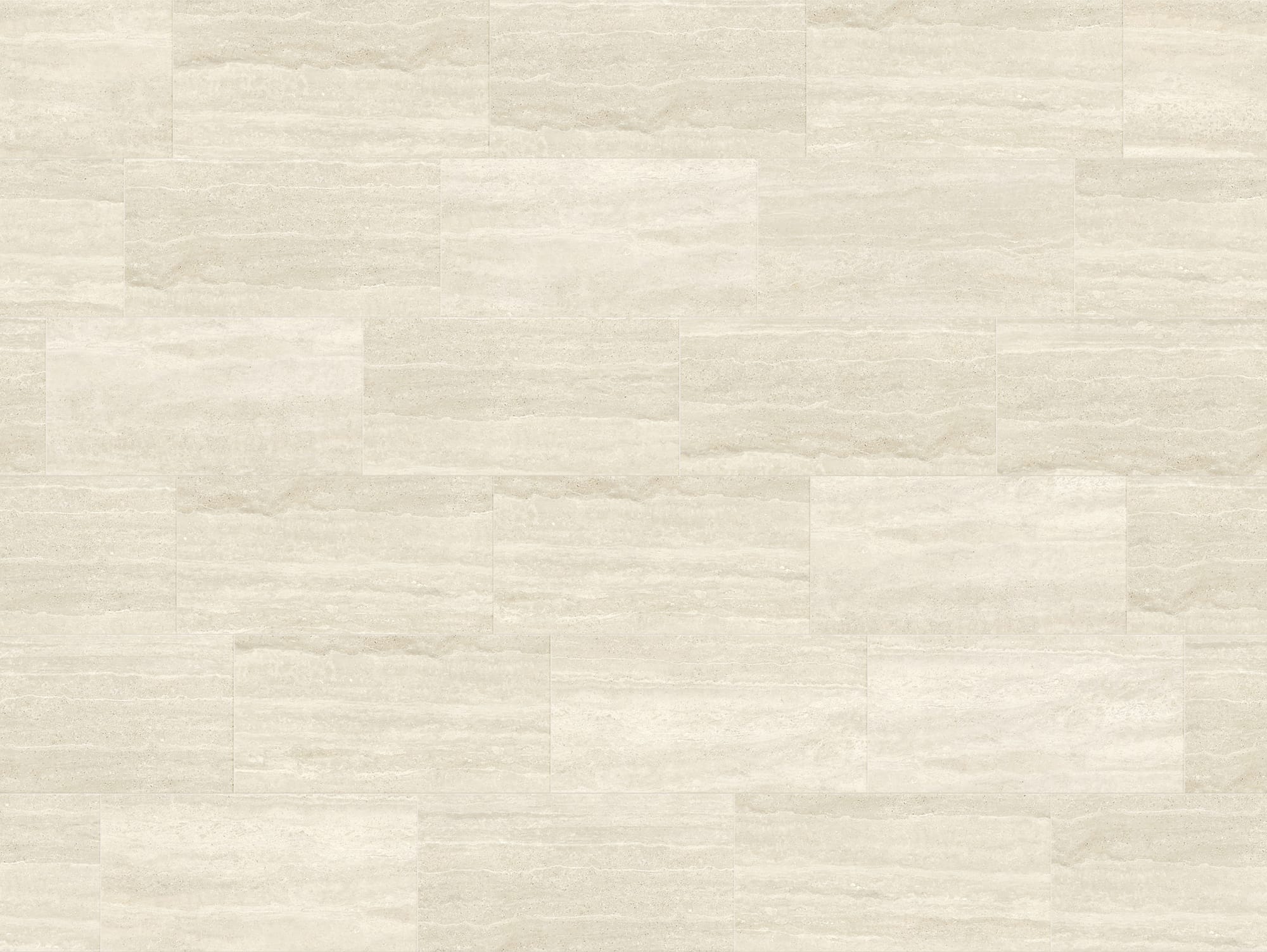
Renders and custom textures for Thalassa | Sarah Amos Interiors
What’s your favourite feature?
Sarah: Definitely the ability to download not just the texture but also the bump and displacement maps. That makes the renders look far more realistic. A close second would be the ability to upload images and adjust them (size, colour variance, etc.) to match real-life products, especially when tiles come in mixed tones.
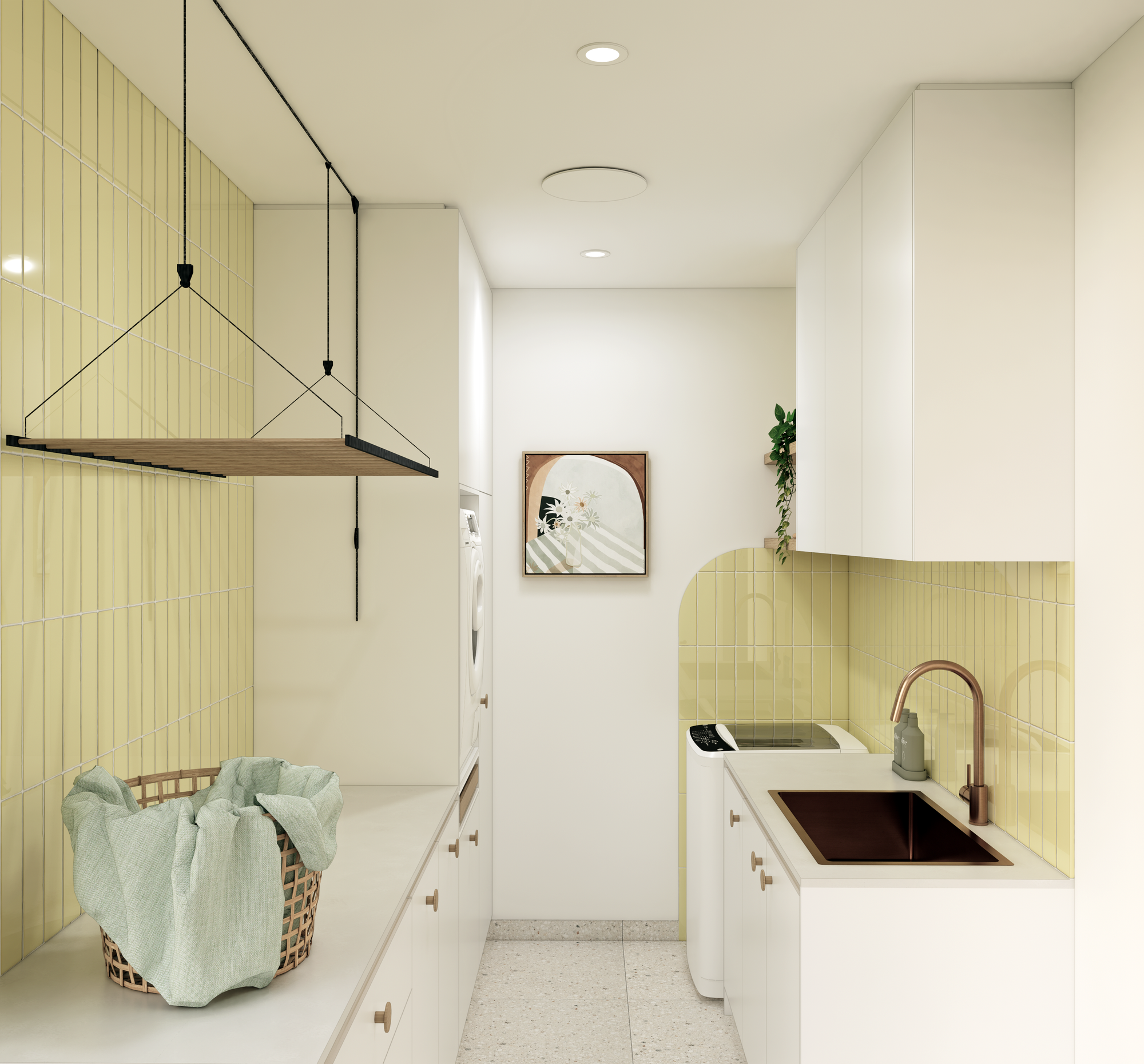

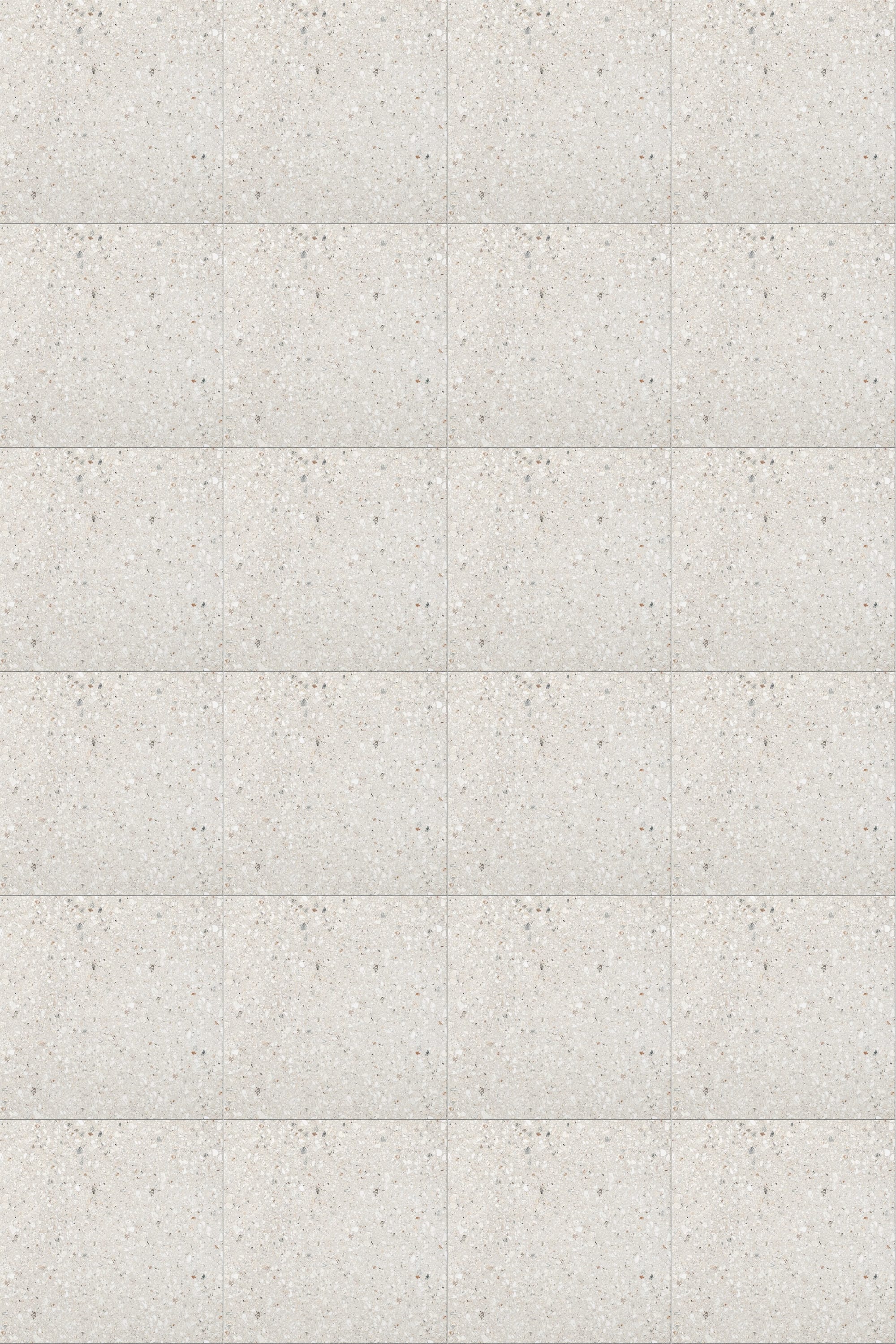
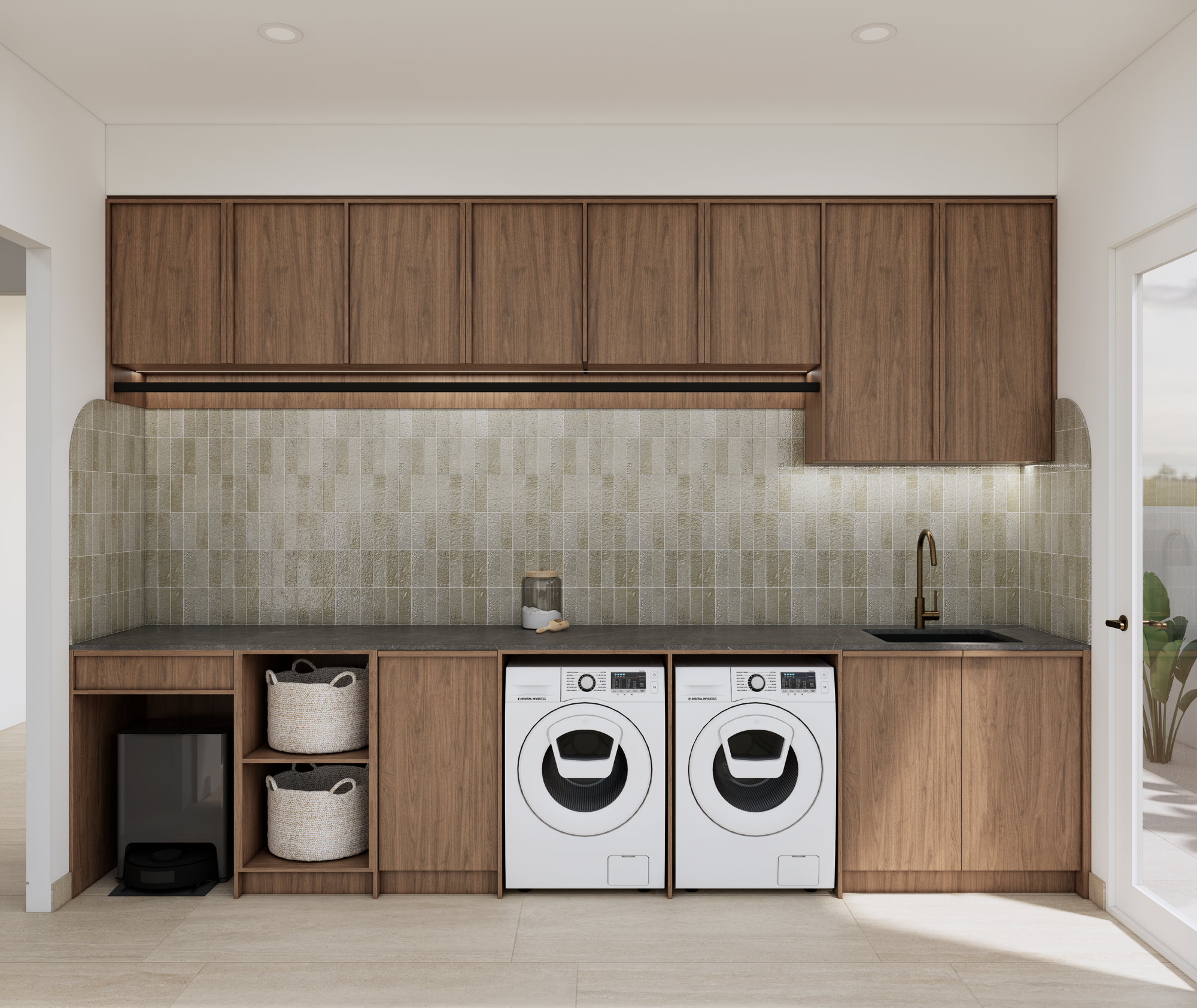
Render and custom textures for laundry room of the Wattle House | Sarah Amos Interiors